Moving to AWS is mostly a planning problem. The technology is well documented and the tooling is mature. What catches teams out is the set of decisions they did not realise were theirs to make.
Here are five of them. None of these require you to have chosen a migration partner, and a couple can save you real money before you provision anything at all.
1. You can start on AWS credits, not your credit card
Most teams open an AWS account, attach a card, and start paying from the first hour the initial instance is created. That is not necessary.
AWS Activate should be the main route. The self-funded Founders tier is open to bootstrapped startups and grants up to $5,000 in credits. The Portfolio tier goes further — up to $200,000.
On top of that, a new AWS account can earn $100 in promotional credit by completing a set of service milestones: creating a budget, an EC2 instance, an RDS instance and a Lambda function. We published a Terraform configuration that provisions exactly those resources and tears them down again — aws-new-account-credit-booster. Deploy it, confirm the milestones in the console, then destroy it.
Credits generally last up to two years and apply across most services. For a small or mid-sized migration that is often enough to cover the entire build plus the first months of running costs, while you work out what the platform actually consumes.
2. Set your baseline in the first month, then rightsize
The cheapest month to optimise your AWS spend is the first one.
Before you migrate you have no real data, only estimates based on what the old servers were provisioned for. After you migrate you have a month of genuine consumption: actual CPU, actual memory, actual storage growth, actual traffic including the peaks.
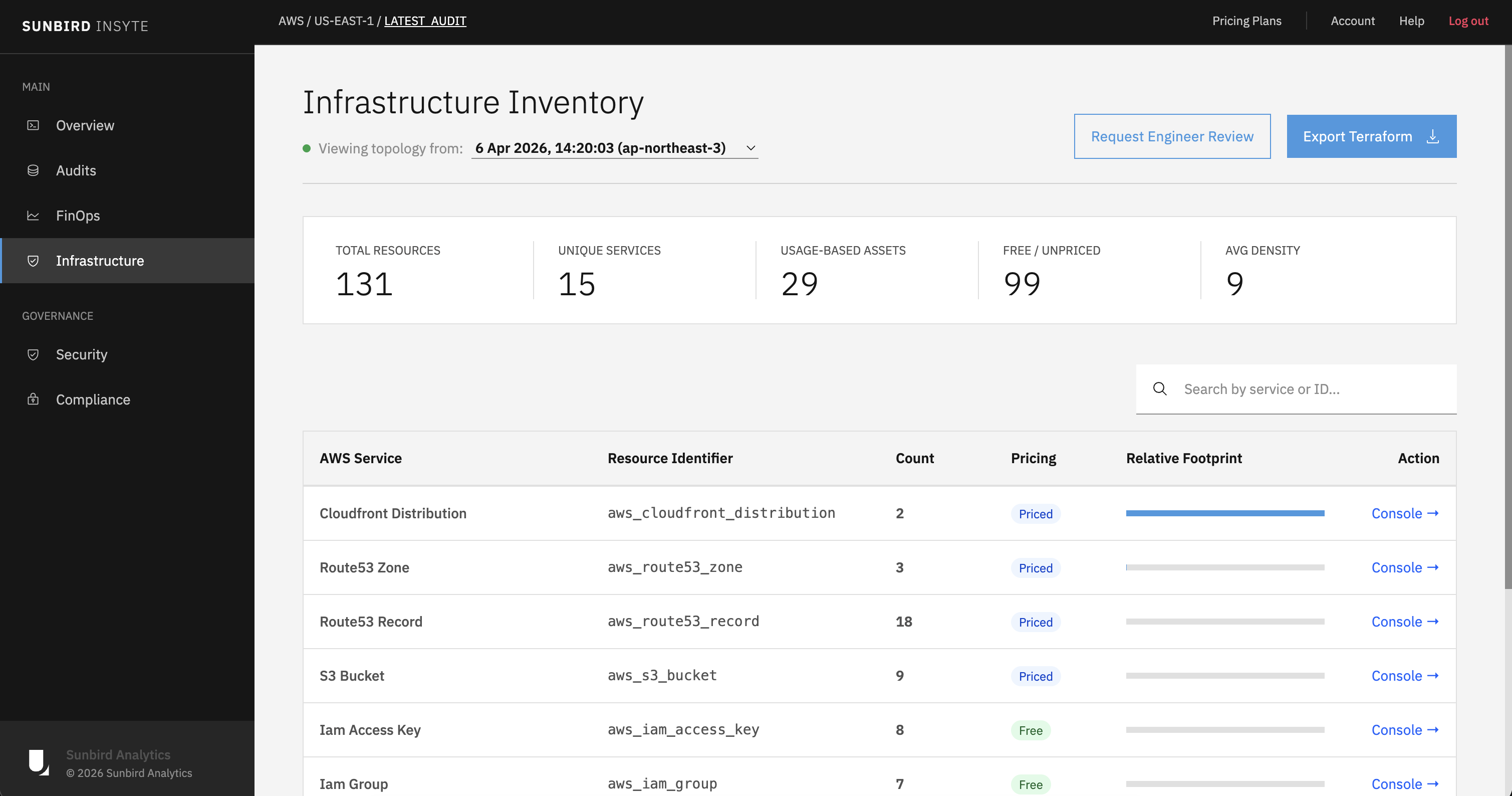
Use it. Establish a baseline, then rightsize. Drop oversized instance types, move infrequently accessed data to cheaper storage classes, and remove anything provisioned "just in case" during the move. This is the Sunbird Insyte, exists to do — it scans the account and generates FinOps recommendations from real usage.
The order matters. Rightsize before you commit to Savings Plans or Reserved Instances. Committing to an oversized fleet for one to three years is an expensive way to save money.
3. Pay for what you use, not for what you might need
A VPS charges a flat monthly rate. You pay the same whether you serve ten requests or ten million, and when you outgrow it your only option is a bigger flat rate.
AWS will happily work the same way if you provision it carelessly. Configured properly, much of it does not.
| Workload | Traditional VPS | AWS, pay per use |
|---|---|---|
| Application compute | Fixed vCPU and RAM, billed monthly whether idle or not | ECS Fargate billed per second of task runtime, or Lambda billed per request |
| Database | Shares the same box, sized for peak load | RDS on its own instance, or Aurora Serverless scaling capacity with demand |
| File storage | Fixed disk allocation, paid for empty or full | S3, billed per GB stored and per request, with cheaper tiers for cold data |
| Traffic spikes | Upgrade the plan, or fall over | Auto Scaling adds capacity for the peak and removes it afterwards |
| Backups | Your own cron job and your own disk space | Automated snapshots with retention policies, billed per GB |
The trade is that a usage-based bill is a variable bill, and variable bills need guardrails. You can set up AWS Budgets with alerts before you migrate, not after.
Tag everything from day one, too. Cost allocation tags are the difference between knowing that your AWS bill went up and knowing which service caused it.
4. Migrating does not mean a long outage
The fear that keeps teams on failing infrastructure is downtime.
Your application can keep serving users while the migration happens. You build the AWS environment alongside the existing one, deploy the application into it, and move the data across without touching live traffic. For the database, configure replication from the on-premises or VPS instance to the AWS instance and let it run.
The cutover is then the only moment that matters. You stop writes to the old database, let replication catch up, and update DNS to point at AWS. This can be scheduled for whenever your traffic is lowest.
If continuous replication is too complicated to set up, the alternative is a planned maintenance window covering the final data copy and the DNS switch.
We documented the PostgreSQL version of this in full — replication from an on-premises database through to cutover — in postgres-on-prem-aws-cloud-migration.
5. You do not have to move everything
Migration is not all-or-nothing, and treating it that way is how projects stall before they start.
Move the workloads that benefit from the cloud and leave the rest where they are. A public-facing application that needs to scale is an obvious candidate. A system wired to on-premises hardware, a licence that does not travel, or a process a regulator requires you to run locally is not. Those can stay.
The two environments can talk to each other. Depending on what you run, you can configure a site-to-site VPN or a container-orchestration extension such as EKS Anywhere or ECS Anywhere, which allow on-prem and cloud servers to communicate seamlessly.
Where to start
Get a free AWS cloud assessment. Tell us what you are running and we will come back with a free migration or optimisation assessment.